
Best AI Automation &
Agent Tools Ranked
Compare the best AI automation and agent tools, including the Best AI Automation & Agent Tools, ranked by real workflows and practical use cases.
AI Powered
Smart audio generation
Easy to Use
No experience needed
High Quality
Professional results
What is Make
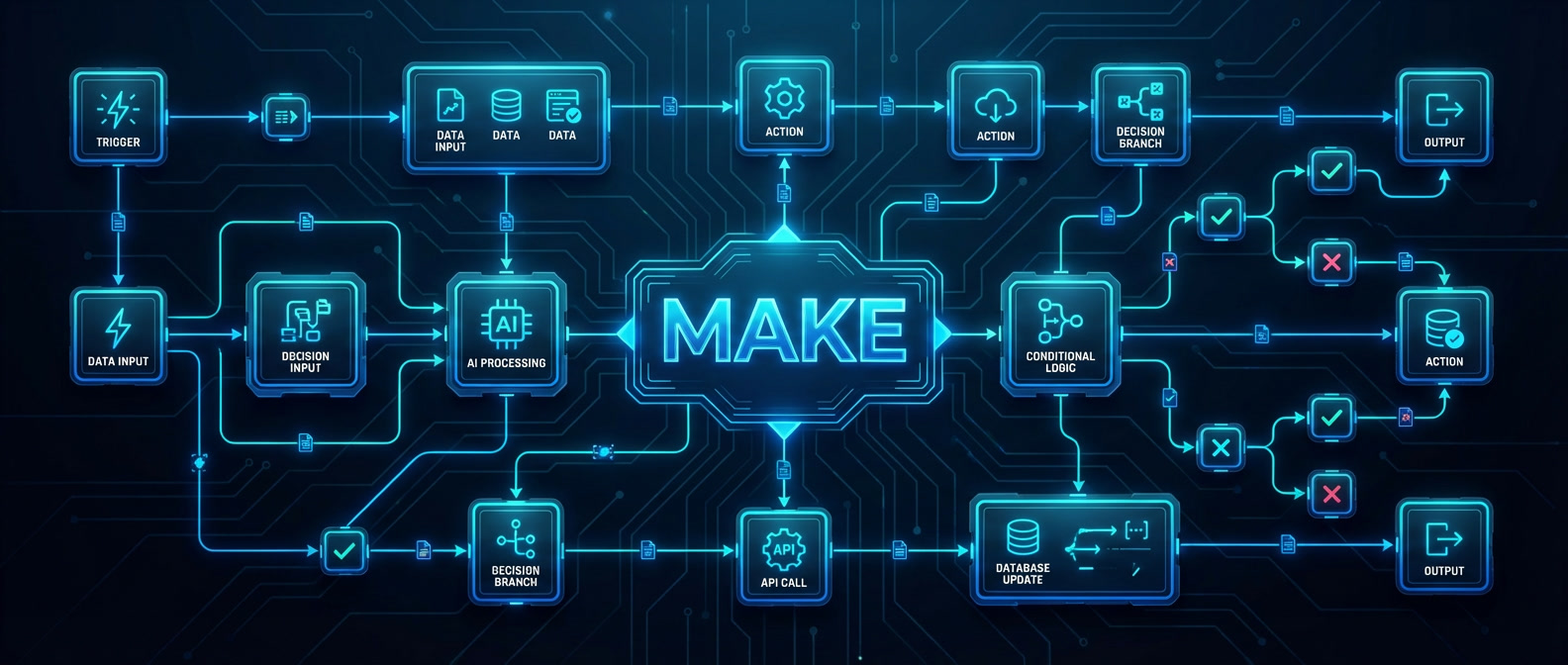
Make
writing code
Key Features
- Visual workflow automation builder
- AI-assisted automation and smart triggers
- Thousands of app integrations
- Conditional logic and branching
- Scheduling and real-time execution
- Scalable workflows for teams
Best Use Cases
- Automating repetitive work tasks
- Connecting apps and syncing data
- Marketing and content workflow automation
- AI-powered task orchestration
- Everyday productivity automation
Pros & Cons
Pros
- Extremely flexible automation logic
- Powerful visual workflow editor
- Works for simple and advanced use cases
- Suitable for individuals and teams
Cons
- Learning curve for complex workflows
- Large scenarios can become hard to manage
Pricing & Plans
Paid plans unlock higher limits, advanced features, and team collaboration.
What is Zapier
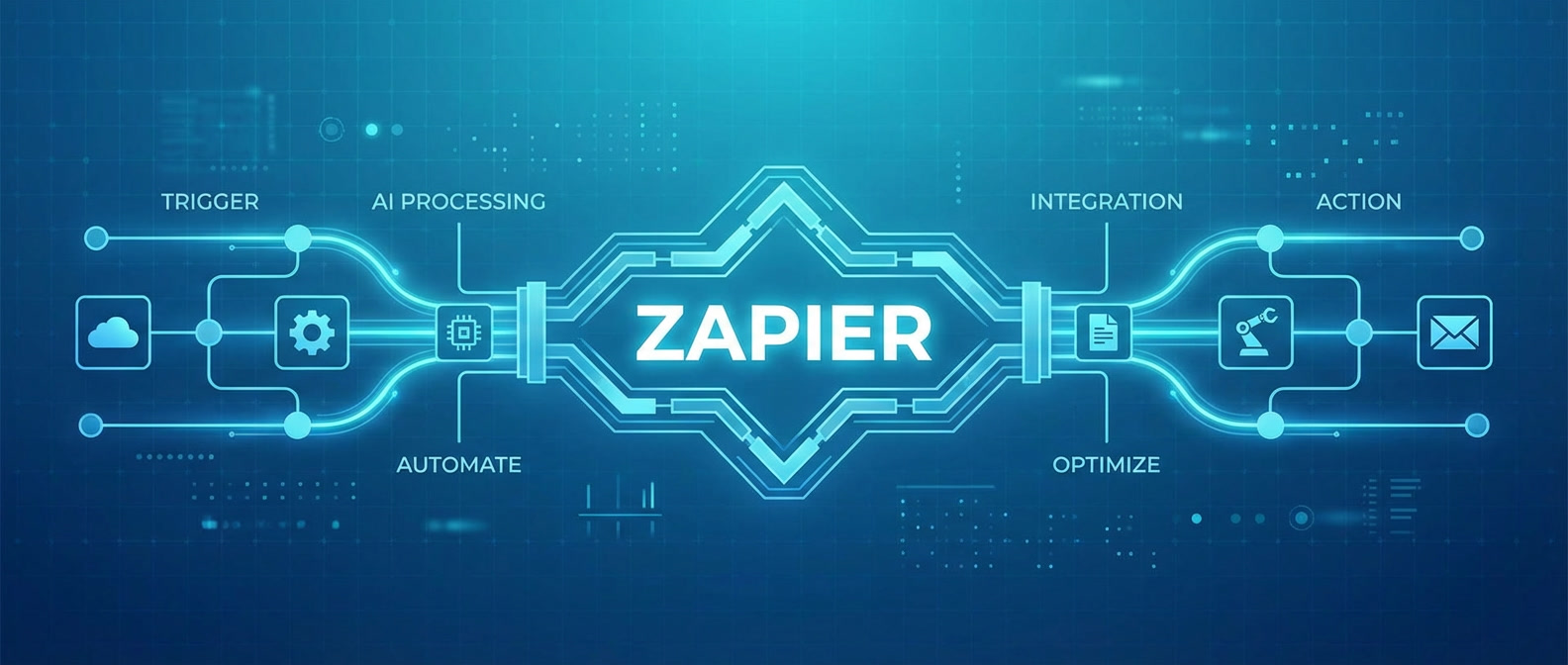
Zapier
apps in minutes
Key Features
- No code automation with triggers and actions
- Thousands of app integrations
- AI assisted workflow setup
- Ready made automation templates
- Browser based simple interface
Best Use Cases
- Automating repetitive business tasks
- Connecting apps without development skills
- Productivity workflows for teams and individual
- Marketing and content automation
Pros & Cons
Pros
- Very easy to use
- Fast setup for automations
- Huge integrations ecosystem
- Ideal for beginners and non technical users
Cons
- Limited logic and branching
- Not suitable for complex workflows
Pricing & Plans
while paid plans unlock higher task volumes and advanced features for teams
What is Base44
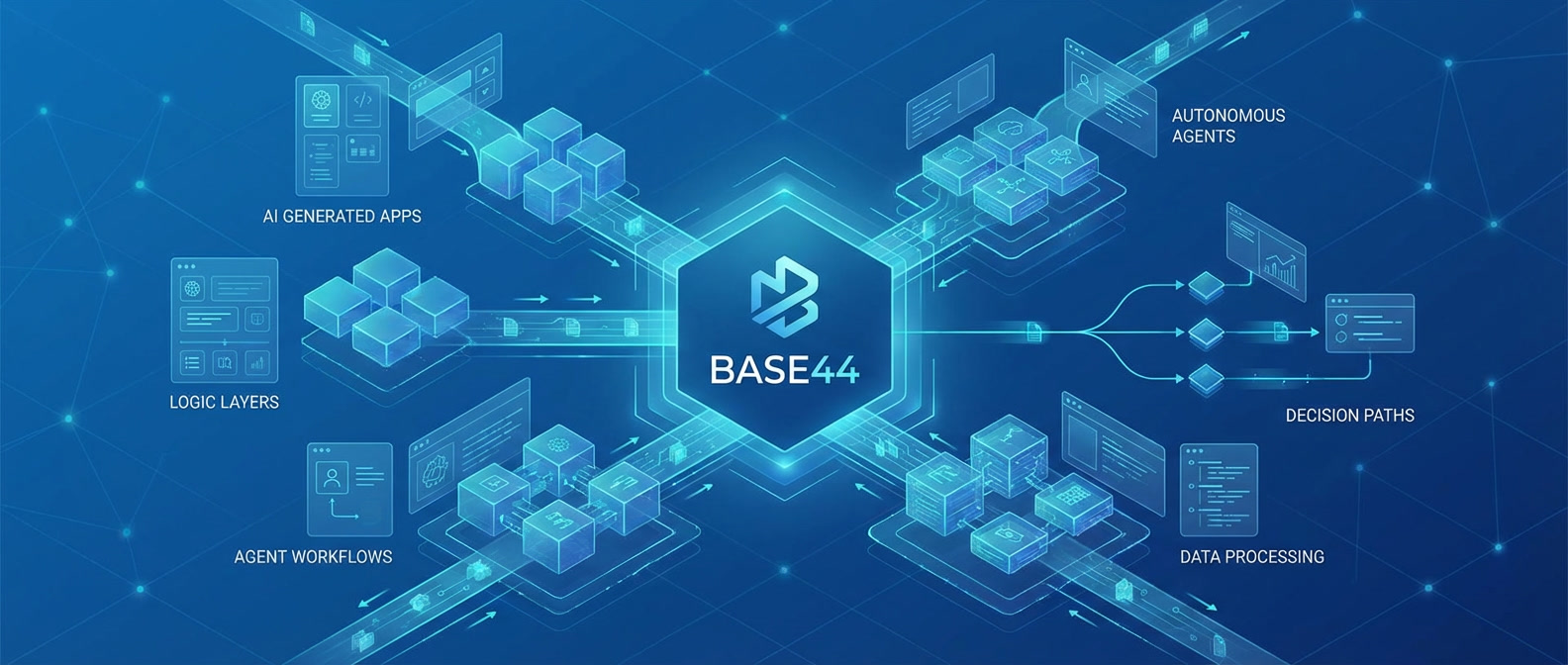
Base44
from simple descriptions
Key Features
- AI-driven app and automation generation from text
- Custom workflow and business logic building
- AI agent creation with autonomous logic
- API and data integration support
- Scalable tools for teams and advanced users
- Web-based development environment
Best Use Cases
- Building custom AI agents for tasks and processes
- Creating internal tools without manual coding
- Advanced business process automation
- Prototyping AI-powered applications
- Custom workflows beyond standard automation tools
Pros & Cons
Pros
- Much more flexible than classic automation tools
- AI-native approach to app and agent creation
- Suitable for complex and custom workflows
- Strong potential for scaling internal systems
Cons
- Not ideal for very simple automations
- Requires a clear task definition to get the best results
Pricing & Plans
Paid plans unlock higher limits, advanced capabilities and team features
What is Emergent

Emergent
an AI-native platform
Key Features
- Build AI-powered applications and agents
- Design agent logic and intelligent workflows
- Fast prototyping from idea to working product
- Integration with modern large language models
- Scalable architecture for production use
- Designed for AI-first development rather than basic automation
Best Use Cases
- Building autonomous AI agents
- Creating internal AI tools for teams
- Developing AI-driven MVPs and startups
- Workflow-based AI applications
- Custom AI products and experiments
Pros & Cons
Pros
- Built specifically for AI apps and agents
- Faster development compared to building from scratch
- Suitable for real-world production use
- Modern AI-native architecture
Cons
- Requires understanding of AI concepts
- Not designed for simple no-code automation
- Smaller ecosystem compared to mature platforms
Pricing & Plans
and startups developing AI-powered applications and agents. Exact pricing depends on project complexity
and infrastructure requirements.
What is Onspace AI

Onspace AI
Key Features
- No-code AI app builder for web and mobile applications
- Workflow automation with connected logic and AI integration
- AI agent creation for task execution and processes
- Unified workspace for building and managing AI systems
- Fast deployment without coding or complex setup
Best Use Cases
- Building AI-powered apps without coding
- Automating workflows and repetitive tasks
- Creating internal tools for teams and businesses
- Developing AI agents for task execution
- Launching MVP products and testing ideas quickly
Pros & Cons
Pros
- No-code platform for building apps and automation
- Supports AI agents and workflow logic
- Flexible for teams, creators, and businesses
Cons
- May require setup time for complex workflows
- Advanced features depend on usage and plan
- Not focused on simple AI chat use cases
Pricing & Plans
$0 per month, with paid plans starting from $25/month for advanced features, higher limits, and private projects.
When automation tools need
expert implementation
AI automation and agent platforms can streamline workflows, connect systems, and reduce manual work. For many use cases, ready-made tools are enough to launch quickly. But when automation involves complex integrations, multi-step logic, internal systems, API orchestration, or business-critical processes, configuration alone is not always sufficient. If you need custom workflow architecture, AI agent deployment strategy, system integration, or ongoing optimization, you can work with experienced professionals through our AI Experts Hub. Move from basic automation to scalable AI-driven operations.