Best AI Video &
Media Tools Ranked
AI video and media tools, including the Best AI Video Tools, enable the creation of videos and digital content without requiring professional editing skills. They are used for social media, marketing, and presentations. Here we rank the best AI video and media tools based on real use cases and ease of use. Discover the Best AI Video Tools available today, designed to enhance your video creation experience.
AI Powered
Smart video generation
Easy to Use
No experience needed
High Quality
Professional results
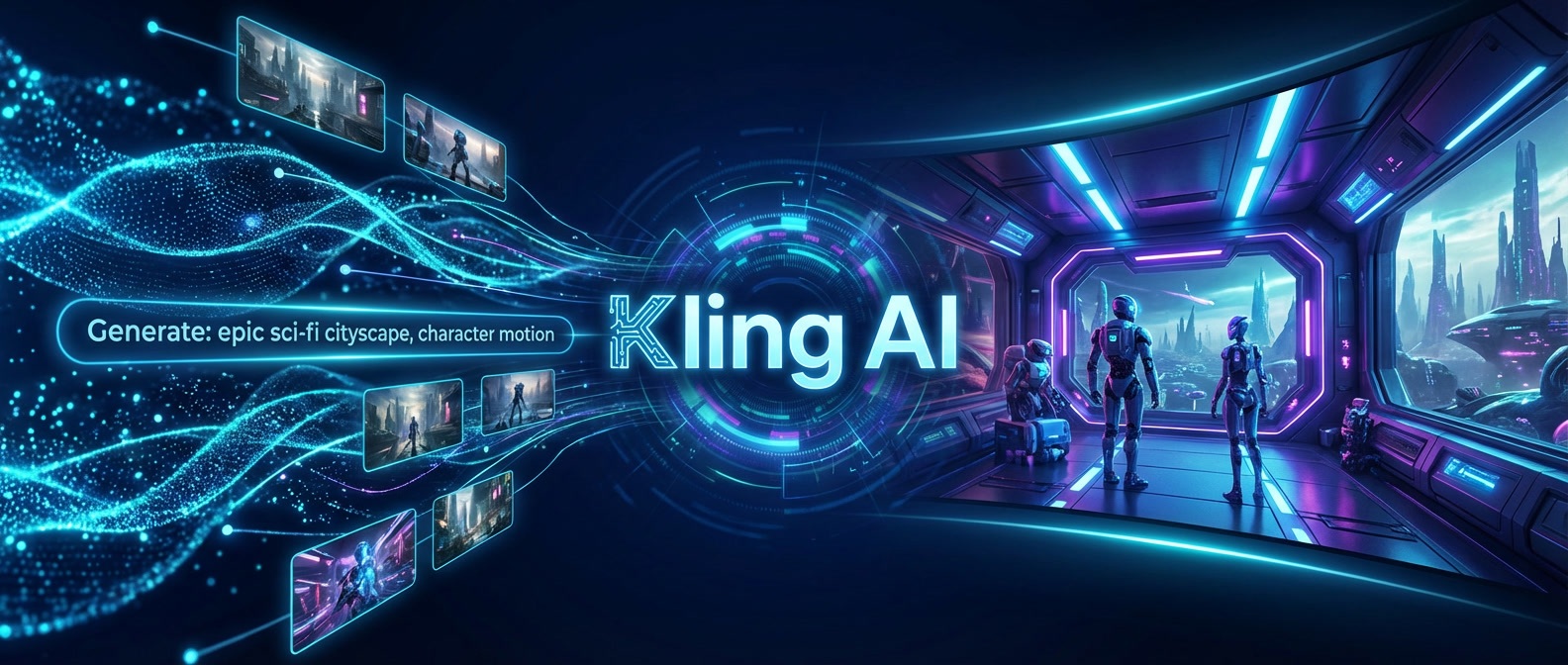
What is Kling AI
Kling AI is an advanced AI video generation model designed to create highly realistic cinematic videos from text prompts and images Unlike template-based video tools, Kling focuses on motion physics, lighting, character consistency, and scene realism, delivering results that look closer to real filmed footage than typical AI videos The platform is positioned as a next-generation text-to-video and image-to-video solution for high-end visual storytelling, professional content and experimental filmmaking.
Kling AI
Generate cinematic-quality videos using
next-generation AI video technology
Key Features
- Text to video generation with cinematic realism
- Image to video transformation with consistent motion
- Advanced physics lighting and camera simulation
- High quality character and environment coherence
- Focus on realism rather than templates
Best Use Cases
- Cinematic video generation and visual storytelling
- Concept scenes for films games and advertising
- High end marketing visuals and brand videos
- Experimental AI filmmaking and creative research
Pros & Cons
Pros
- Exceptional realism compared to most AI video tools
- Strong motion physics and visual coherence
- Ideal for cinematic and narrative driven content
- Represents next generation AI video technology
Cons
- Not designed for quick social media videos
- Requires thoughtful prompts for best results
- Still evolving and may have generation limits
Pricing & Plans
and capabilities of the video model Paid access unlocks higher generation limits,
longer videos, improved consistency and priority processing for professional workflows
Pricing is aimed at creators, studios, and teams working on advanced visual projects.
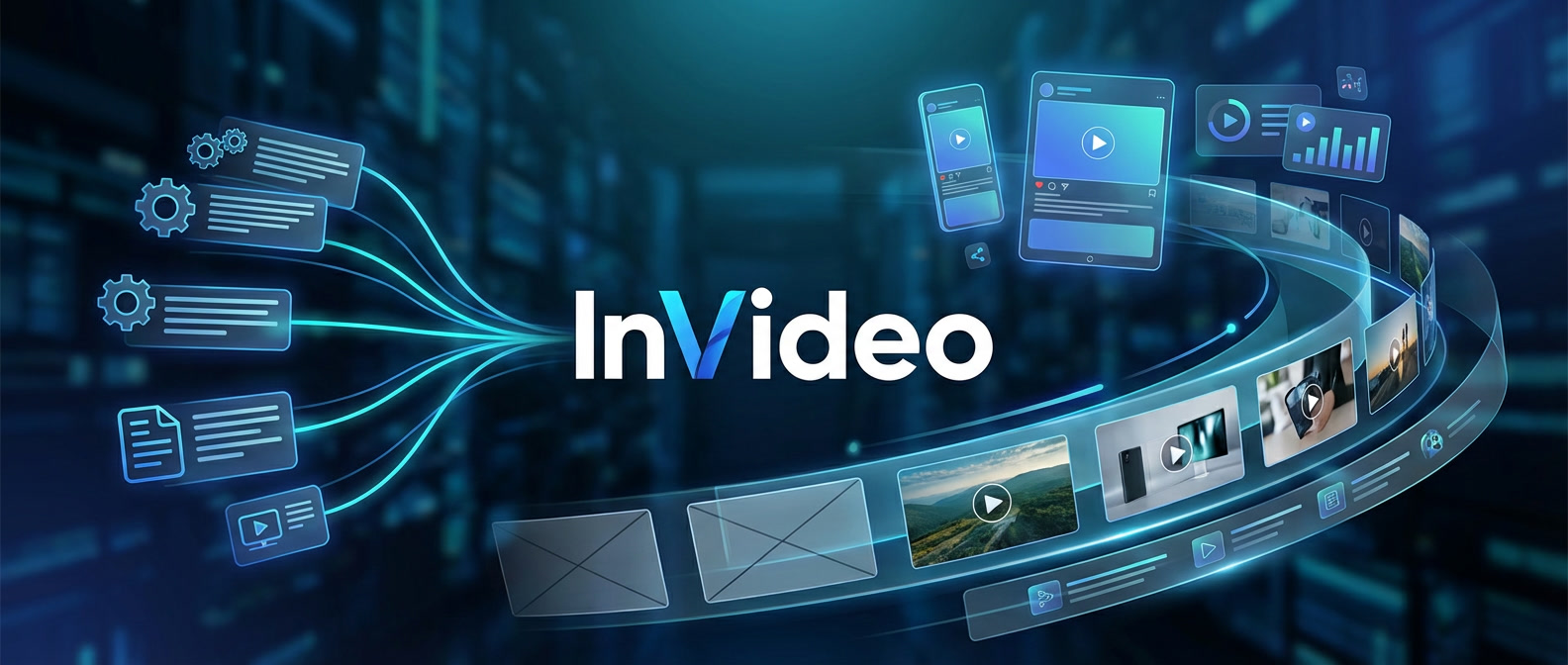
What is InVideo
InVideo is an AI-powered video creation platform that helps users generate marketing videos, social media content, and promotional visuals from text prompts, templates, and scripts The platform focuses on speed and accessibility, allowing anyone to create professional-looking videos without video editing experience or complex software InVideo is widely used by marketers, businesses, freelancers and content teams who need fast, scalable video production for real-world use cases.
InVideo
Create engaging videos in minutes using
AI-powered templates and automated workflows.
Key Features
- AI video generation from text prompts and scripts
- Ready to use templates for marketing and social media
- Automatic captions voiceovers and scene generation
- Stock media music and visual assets included
- Fast video creation without editing skills
Best Use Cases
- Social media video content and ads
- Marketing and promotional videos
- Business presentations and explainer videos
- Content creation for YouTube, TikTok and Instagram
Pros & Cons
Pros
- Extremely easy to use even for beginners
- Fast video creation with minimal setup
- Large library of templates and stock assets
- Ideal for marketing and social media workflows
Cons
- Less control over cinematic visuals than Kling AI
- Advanced customization is limited compared to pro editors
- Heavy usage requires paid plans
Pricing & Plans
Paid plans provide higher export limits, remove watermarks, unlock premium templates and enable
faster processing for frequent video production Pricing is designed for creators, marketers,
businesses, and teams based on usage needs.
What is OpenArt
OpenArt is an all-in-one AI creative platform that allows users to generate images, videos and visual assets using advanced AI models Unlike single-purpose tools, OpenArt combines image generation, video creation, style exploration, and creative workflows in one place The platform is designed for artists, creators, freelancers, businesses and teams who need flexible visual content without jumping between multiple tools.

OpenArt
OpenArt is an all-in-one AI creative platform that allows users to generate images, videos and visual assets using advanced AI models
Unlike single-purpose tools, OpenArt combines image generation, video creation, style exploration, and creative workflows in one place
and videos instantly with AI-powered creative tools.
Key Features
- AI image generation across multiple styles and models
- AI video creation and animation workflows
- Style exploration and visual experimentation
- Creative assets for marketing social media and branding
- All-in-one interface for visual production
Best Use Cases
- Marketing visuals and ad creatives
- Social media content and short videos
- Concept art and creative exploration
- Website and product design assets
Pros & Cons
Pros
- Combines image and video generation in one platform
- Supports multiple AI models and creative styles
- Flexible workflows for creators and businesses
- Clean interface without technical complexity
- Suitable for both experimentation and production
Cons
- Advanced features may require learning time
- Not focused purely on cinematic video like Kling AI
- Some tools depend on the available model limits
Pricing & Plans
higher generation limits, faster processing, access to more models and advanced creative features
Pricing is structured for creators, professionals and teams, depending on usage volume and required capabilities.
What is VEED

VEED
Key Features
- Browser-based video editing
- AI subtitles and captions
- Audio cleanup and noise removal
- Video trimming and resizing
- Text and graphic overlays
- No software installation required
Best Use Cases
- Editing social media videos quickly
- Adding subtitles to short-form content
- Cleaning audio for videos and podcasts
- Simple marketing and promo videos
- Fast video edits without professional software
Pros & Cons
Pros
- Very easy to use
- Works directly in the browser
- Strong subtitle and caption tools
- Suitable for quick edits and updates
Cons
- Limited advanced editing features
- Not designed for complex video productions
Pricing & Plans
while paid plans unlock advanced features, exports, and commercial usage.
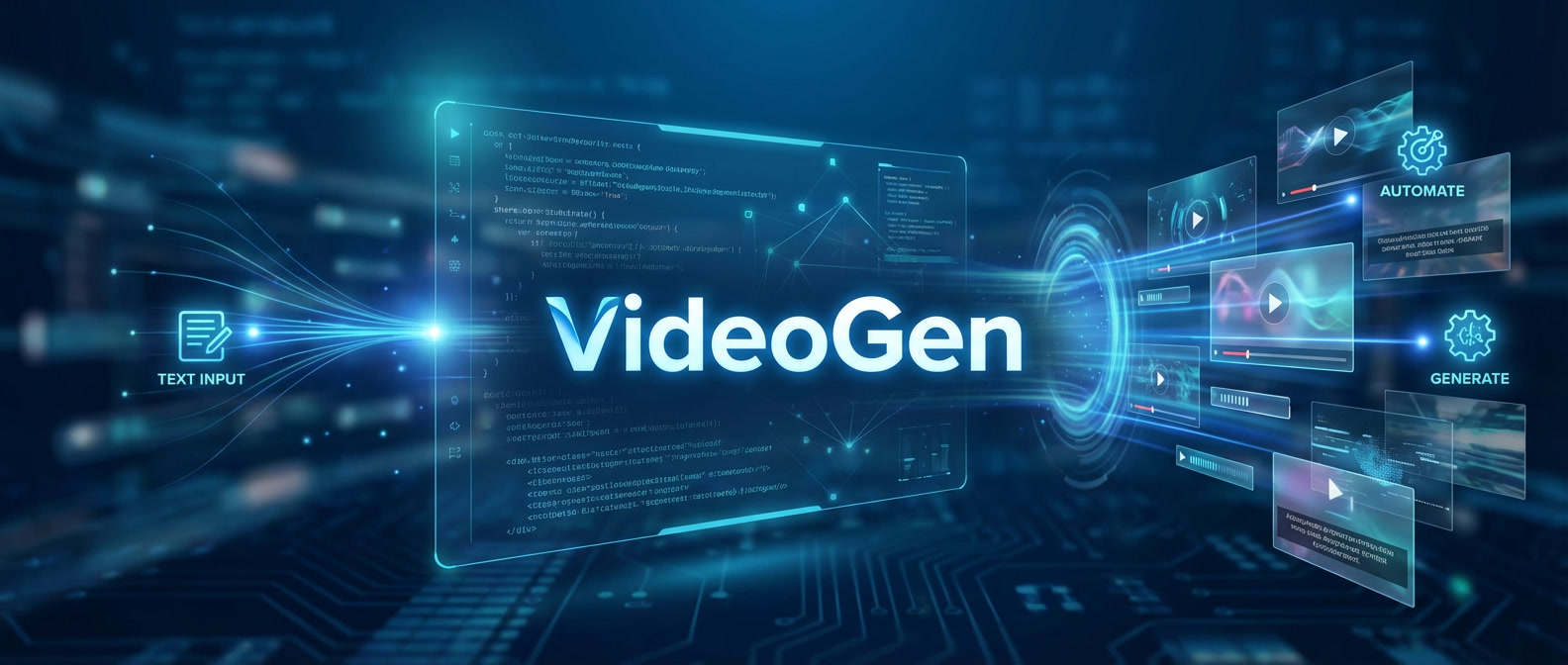
What is VideoGen
VideoGen
Key Features
- AI-powered text-to-video generation
- Built-in stock visuals library
- AI voiceover and narration tools
- Background music integration
- Script-based video creation
- Browser-based video workflow
Best Use Cases
- Short marketing and promo videos
- Social media content without editing skills
- Simple explainer videos
- Presentation and pitch videos
- Quick personal videos without learning video editing software
Pros & Cons
Pros
- Very easy for beginners
- Fast video creation process
- No manual timeline editing
- All-in-one video workflow
Cons
- Limited advanced customization
- Not suitable for complex cinematic projects
Pricing & Plans
while paid plans unlock higher limits and commercial usage.
What is Getimg Ai

Getimg Ai
visual workspace
Key Features
- AI text-to-image and video generation
- Multiple visual styles and models
- Image and video variations from prompts
- High-quality visual output
- Web-based prompt workflow
- Browser-based video workflow
Best Use Cases
- Creating images and short videos from text prompts
- Visual content for social media and websites
- Marketing visuals and promo assets
- Concept art and creative experimentation
- Quick visual creation without design or editing skills
Pros & Cons
Pros
- Easy to use for beginners
- Supports both images and video generation
- Flexible styles and creative options
- Suitable for practical and creative visuals
Cons
- Advanced manual editing is limited
- Output quality depends on prompt quality
Pricing & Plans
while paid plans unlock higher limits, advanced features, and commercial usage rights.
What is HeyGen
HeyGen
cameras or studios.
Key Features
- Realistic AI avatars with natural facial expressions
- Text-to-video generation with voice sync
- AI voice cloning and multilingual voiceovers
- Automatic translation and lip-sync in multiple languages
- Custom avatar creation (business use cases)
- Templates for marketing, education, and presentations
Best Use Cases
- Marketing and promo videos
- Training and onboarding materials
- Product explainers
- YouTube educational content
- Corporate communications
- Multilingual business videos
Pros & Cons
Pros
- High-quality realistic avatars
- Fast video production without filming
- Strong multilingual capabilities
- Clean and easy-to-use interface
- Good for scalable content creation
Cons
- Not ideal for cinematic storytelling
- Limited creative freedom compared to full video editors
- Advanced features require paid plans
Pricing & Plans
HeyGen offers a limited free trial for testing video generation and avatars. Paid plans unlock higher
video limits, premium avatars, longer durations, and commercial usage rights. Pricing is positioned for
creators, marketers, and teams producing regular video content.
What is Synthesia
Synthesia
Create professional AI avatar videos at scale
without a studio, cameras, or production crews.
Key Features
- 140+ realistic AI avatars
- 120+ supported languages and accents
- Text-to-video generation from scripts
- AI voiceovers with natural speech
- Custom branded avatars (enterprise feature)
- Screen recording and slide-based video creation
- Team collaboration & brand kits
- Enterprise-grade security & compliance
Best Use Cases
- Corporate training videos
- HR onboarding materials
- Internal company communications
- Product tutorials and demos
- Multilingual business content
- Educational explainer videos
Pros & Cons
Pros
- Extremely realistic AI presenters
- Strong multilingual support
- Enterprise-ready platform
- Clean, professional output
- No need for filming equipment
Cons
- Not built for cinematic or creative storytelling
- Limited creative editing tools
- Higher pricing compared to casual creator tools
Pricing & Plans
no credit card required. Paid plans scale for creators and teams, unlocking more video minutes, personal avatars,
AI dubbing, branding removal, collaboration features, and enterprise-level controls. Pricing depends on usage needs
and billing cycle, making it suitable for individuals, businesses, and large teams.
What is Klap
Klap
clips with AI-powered automation.
Key Features
- Automatically converts long videos into short viral clips
- AI detects the most engaging moments
- Auto-generated subtitles and captions
- Optimized formats for TikTok, Reels, and Shorts
- 4K export (Pro plans)
- AI dubbing and translations (higher tiers)
- No manual timeline editing required
Best Use Cases
- YouTube creators repurposing long videos
- Podcast clipping for social media
- Coaches and educators posting short-form content
- Agencies managing multiple content channels
- Businesses turning webinars into short marketing clips
Pros & Cons
Pros
- Extremely fast short-form content generation
- No editing skills required
- Clean and focused interface
- Saves hours of manual clipping
- Built specifically for vertical social formats
Cons
- No permanent free plan
- Clip limits based on subscription tier
- Less manual creative control compared to full editors
- Focused mainly on repurposing, not full video production
Pricing & Plans
a permanent free plan, users can access the platform through paid tiers that scale based on the number of uploaded videos,
maximum video length, clip generation limits, export quality (including 4K on higher plans), and AI dubbing features. It is,
designed for creators and teams that consistently repurpose long-form content into short-form social media videos.
When tools alone can’t handle the full project
AI video and audio tools can save hours of work. You can generate avatars, repurpose long-form content, add captions, or translate videos in minutes. But when projects become larger — branded campaigns, multi-platform distribution, structured storytelling, team workflows, or full production pipelines — tools alone often aren’t enough. At that point, experience matters. Strategy matters. Workflow design matters. If you need custom setups, optimized production systems, or scalable content operations built around these tools, working with specialists can prevent mistakes and save serious time. Freelance Planet connects you with AI experts who combine the right tools with real-world production experience — from scripting and editing to automation and distribution. If the platform gets you started, experts help you scale it properly.